When you first start using AWS Amplify, authentication often feels simple. You add Auth, sign-up works, sign-in works, and the user session is available in your app. Everything feels fine until you connect your API, database, or storage layer. That is when permission errors like “AccessDenied” or “Not authorized to access this resource” usually start appearing.
At first, it can feel like Amplify is the problem. You change configs, redeploy the app, update permissions, and hope something fixes it. But in many cases, the real issue is not Amplify itself. It is a permissions issue, and it usually happens because authentication and authorization are being confused. Once you understand the difference, debugging Amplify permission problems becomes much easier.
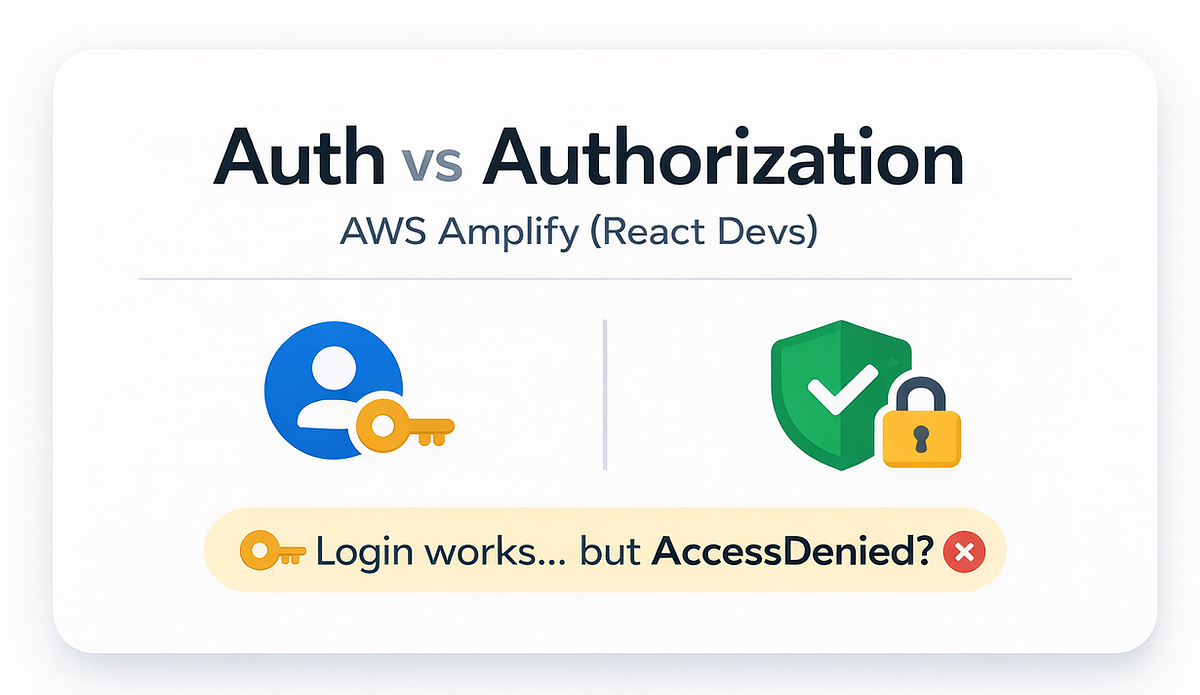
Authentication vs Authorization
Authentication: Who Are You?
Authentication is about identity. It answers one simple question: Who is this user? In an AWS Amplify application, authentication is commonly handled using Amazon Cognito. Cognito helps manage user sign up, sign in, tokens, sessions, and user identity.
When authentication is working correctly, your application can confirm whether the user is signed in, whether the user has a valid session, what the user’s ID is, and what tokens are available for that user. For example, when a user enters their email and password and successfully signs in, they are authenticated. At this point, the app knows who the user is.
However, being signed in does not automatically mean the user can access everything in the application. That is where authorization comes in.
Authorization: What Are You Allowed to Do?
Authorization is about permissions. It answers a different question: what is this user allowed to access or perform? A user may be signed in successfully, but still be blocked from reading data, uploading files, calling an API endpoint, or accessing a specific AWS resource.
For example, imagine a user signs in to your Amplify app successfully and then tries to upload a file to Amazon S3. The user is authenticated, but if the user’s role does not have permission to upload files to that S3 bucket, the request will fail. That is an authorization problem.
A simple way to remember the difference is this:
Authentication gets the user into the system, while authorization decides what the user can touch inside the system. This distinction is important because many developers assume that once sign-in works, access should work too. In AWS, that is not how it works.
Why does this get confusing in Amplify
AWS Amplify makes it easy to add Auth quickly, but authorization involves multiple layers, like:
- User identity (tokens, groups, roles)
- IAM permissions (what AWS actions are allowed)
- Resource policies (S3 bucket policies, API policies)
- App-level rules (who can read/write which data)
So when people say “permissions are hard on AWS,” this is what they mean:
Your code can be perfect, but one missing permission breaks everything.
Common Amplify Permission Problems
Let’s look at a few common scenarios where developers usually run into authentication and authorization issues in Amplify.
Login Works, but API Calls Fail
This is one of the most common problems. The user signs in successfully, but when the app tries to call an API, the request fails with a 401 or 403 error. This usually means authentication is working, but authorization is not.
In simple terms, the app knows who the user is, but the backend is not allowing that user to access the requested API or resource. When this happens, check whether the API is configured to allow authenticated users, whether you are using the correct authorization mode, whether your GraphQL or REST API rules are correct, whether the user belongs to the expected group, and whether the user’s role has permission to access the backend resource.
For example, if your API is private, unauthenticated users should not be able to access it. But even authenticated users still need the correct permissions and rules. This is where many developers get stuck. They see that login works and assume the API should work too. But sign-in only proves identity. It does not automatically grant access.
One User Can See Another User’s Data
This is one of the more serious permission problems because it can become a security issue. For example, imagine User A signs in and can see User B’s records. In this case, authentication is working because the user is logged in, but authorization is not strict enough.
This usually happens when the app only checks whether the user is signed in, but does not check whether the user owns the data they are trying to access. In many apps, a user should only be able to read or update their own records. In some cases, admins or support users may need access to more data, but that access should be clearly controlled.
The main point is simple: do not only ask, “Is this user logged in?” Also ask, “Should this user be allowed to access this specific data?” If you do not define this clearly, the app may work at first, but later you may realize the data is too open.
Storage Uploads Fail After Deployment
Another common issue happens with file uploads. During local testing, the upload may work without any problem. But after deployment, the same upload can fail with an access denied error. This usually happens because storage permissions are different or stricter in the deployed environment.
This is not always a bad thing. File storage should not be open by default. You need to clearly decide who can upload files, who can read them, and whether the files should be public, protected, or private. For example, a profile picture, a private document, and a public image may all need different permission rules.
When debugging Amplify Storage or S3 upload issues, check the permissions before assuming the upload code is wrong. Make sure the user has the right access level, the IAM role has the required S3 permissions, and the file path matches the access rules you defined.
Pro tip:
When debugging storage issues, assume it’s permission-related before assuming it’s a code problem.
A Simple Debugging Model
When something breaks in Amplify, do not start by randomly changing the configuration. Start with two questions: is the user authenticated, and is the user authorized? This helps you find the real problem faster instead of guessing.
First, check authentication. Make sure the user is actually signed in, has a valid session, and the request is being sent with the correct credentials. If this part is not working, the problem is related to identity.
Next, check authorization. Even if the user is signed in, they still need permission to perform the action. Check whether the user’s role, API rules, resource policy, or storage access level allows the request. If the user is authenticated but still blocked, it is most likely a permission problem.
Common mistakes (and quick fixes)
- Mixing up “signed in” with “allowed” is a common mistake. Signing in only proves who the user is; permissions decide what they can do.
- Another issue is using overly broad access rules just to make things work. It may work during development, but it can become a security risk later.
- Not planning your access pattern early is also a problem. You should clearly decide whether access is based on the owner, user roles, or public permissions.
- Finally, ignoring differences between environments like development and production can cause unexpected failures, since configurations and permissions may not match. When Amplify might not be the best choice (authorization-heavy apps)
AWS Amplify is great, but not for every scenario.
It may not be the best fit if:
- You need highly custom networking (VPC-heavy patterns) from day one
- You’re integrating into a large existing AWS platform with strict standards
- You need extremely fine-grained infrastructure control immediately
- WebSockets at scale are a core requirement (thousands of long-lived connections, strict connection-level auth, broadcast/fan-out patterns, presence tracking, and deep observability)
In those cases, teams often prefer designing the real-time + permission model directly with Infrastructure as Code (CDK/Terraform), because you’ll need deeper control over how access is enforced and monitored.
Wrap-up
If you remember one thing, make it this:
- Authentication = who the user is
- Authorization = what the user can do
AWS Amplify makes AWS Amplify authentication feel easy.
But AWS Amplify authorization is where most real-world complexity lives, especially once you add data access rules, storage policies, and multiple environments.
Your turn
What’s the most confusing part for you right now?
- API permissions?
- Data access rules (owner vs group)?
- Storage upload/download rules?
Reply in the comments, and I’ll suggest the simplest permission pattern for your exact case.
 Enlear